← Back to Blog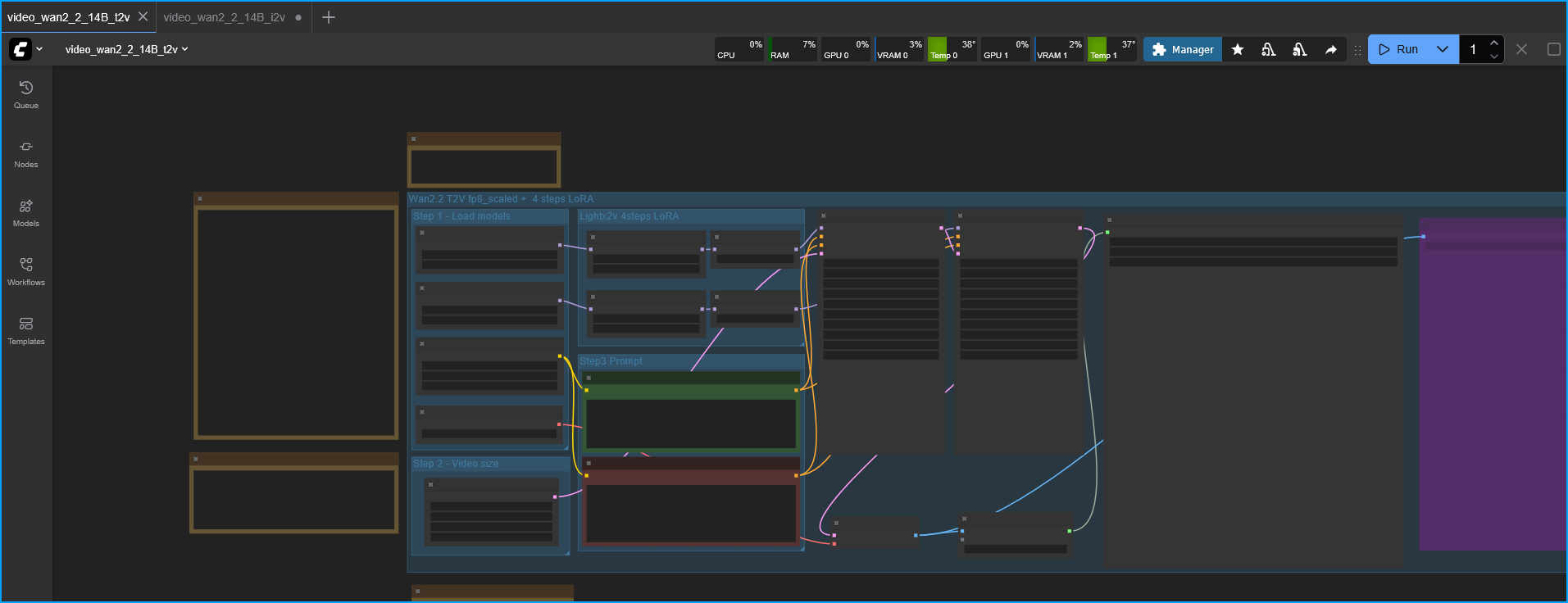
ComfyUI Web Interface with Node-Based Workflow
tutorialIntermediate5 min read
Install ComfyUI on Ubuntu Server 24.04
A quick guide on getting ComfyUI set up on Ubuntu Server 24.04 using CUDA 13 and PyTorch 2.9 with an NVIDIA GPU.
ComfyUI + Ubuntu Server + CUDA 13 + PyTorch 2.9 (NVIDIA)
Install ComfyUI on Ubuntu Server 24.04
Install the NVIDIA drivers
Warning: Secure Boot MUST be turned off in BIOS
Update your system:
sudo apt update && sudo apt upgrade -y
Add NVIDIA PPA
sudo add-apt-repository ppa:graphics-drivers/ppa && sudo apt update
Check for available drivers
ubuntu-drivers devices
Install drivers (I usually choose the "recommended" option)
sudo apt install nvidia-driver-<DRIVER VERSION>
Reboot
sudo reboot now
Install Dependencies
The following should be installed:
sudo apt install python3.12 python3.12-venv python3-pip git build-essential libgl1 libglib2.0-0 -y
Install ComfyUI
Clone the repo (I usually just clone it to my home folder)
git clone https://github.com/comfyanonymous/ComfyUI.git
Enter the folder
cd ComfyUI
Create a virtual environment
python3.12 -m venv venv
Enter the virtual environment
source venv/bin/activate
Now install PyTorch
pip install torch torchvision torchaudio --index-url https://download.pytorch.org/whl/cu130
Now install the requirements
pip install -r requirements.txt
This will install ComfyUI.
Run ComfyUI
To start ComfyUI run:
python main.py --listen 0.0.0.0
Now on a separate computer, navigate to the IP of the PC running ComfyUI with port 8188
http://192.168.10.4:8188/
And that's it!